
Best AI tools to trim video
| Tool | What it does | Pricing | Free tier | Refunds |
|---|---|---|---|---|
| Kapwing | An online content creation platform for editing videos, GIFs, images, and audio. | Free tier; paid from $16/mo | Yes | None stated |
| FlexClip | FlexClip is a simple yet powerful video maker and editor for everyone. | Free tier * | Yes | — |
| Movie Maker Edit Pro | AI video editor for Windows that combines video clips into feature-length movies. | Free tier * | Yes | — |
| Bytecap | AI-powered video editing platform for creating professional social media content, including auto-captions, clips, and publishing. | Free tier; paid from $15/mo * | Yes | None stated |
— means the vendor does not state it on the pages we read.
* pricing not verified against the vendor's pricing page.
Kapwing
Visit Kapwingkapwing.comCancellation & refund terms for Kapwing
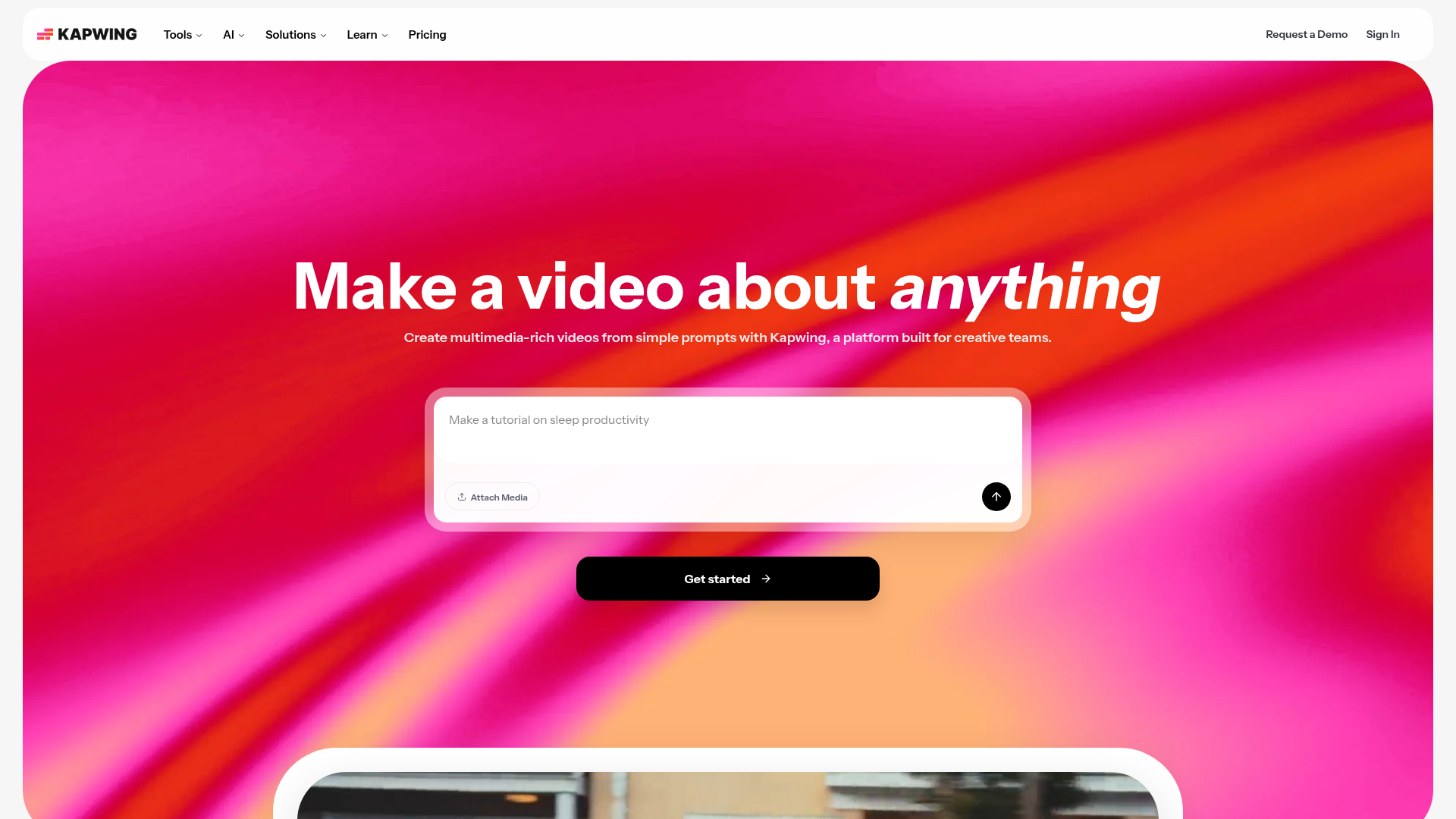
An online content creation platform for editing videos, GIFs, images, and audio.
Smart Cut removes silences from videos automatically to help you edit faster
Pricing, in their words: “Kapwing Pro is available for $16/month billed annually or $192/year. Kapwing Business can supercharge your content creation and is available for $50/month billed annually or $600/year.” (pricing)
Subscription terms they state: cancel in-app · auto-renews · states no refunds (source)
Limits the vendor states:
- No free trial for paid plans
- No refunds
FlexClip
Visit FlexClipflexclip.comFlexClip is a simple yet powerful video maker and editor for everyone.
Cut your videos without any quality loss to ensure that you get the desired clips quickly.
Pricing: Free tier (pricing)
No usage limits stated on the pages we read.
Movie Maker Edit Pro
Visit Movie Maker Edit Proiacolettisoftware.com
AI video editor for Windows that combines video clips into feature-length movies.
Drag the red region to cut out unwanted parts.
Pricing: Free tier (pricing)
No usage limits stated on the pages we read.
Bytecap
Visit Bytecapbytecap.io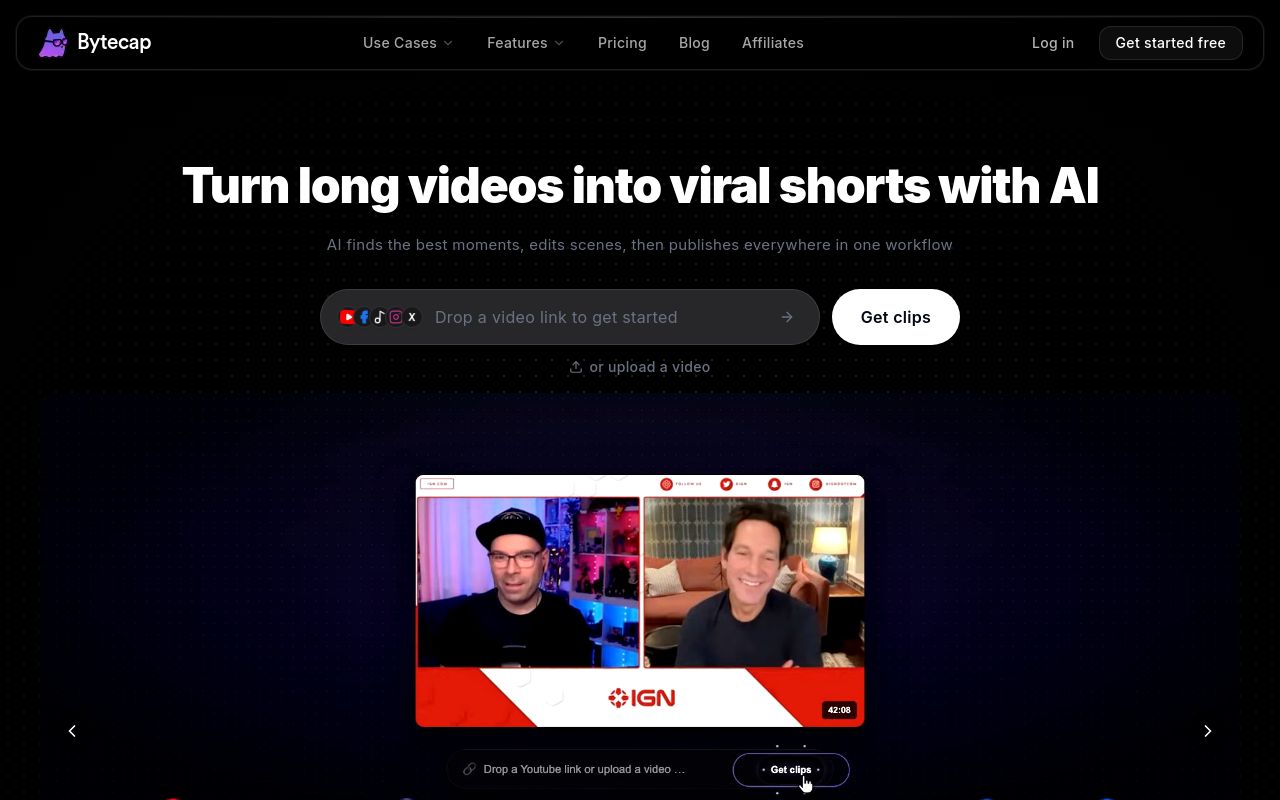
AI-powered video editing platform for creating professional social media content, including auto-captions, clips, and publishing.
Source: bytecap.io
Pricing: Free tier; paid from $15/mo (pricing)
Subscription terms they state: cancel in-app · auto-renews · states no refunds (source)
No usage limits stated on the pages we read.
FAQ
Is there a free tool to trim video?
Yes — Kapwing, FlexClip, Movie Maker Edit Pro, Bytecap offer a free tier.
What is the cheapest paid option to trim video?
Bytecap starts at $15/month.
How do I cancel these subscriptions?
Kapwing: cancel in-app; Bytecap: cancel in-app. FlexClip, Movie Maker Edit Pro do not state a cancellation route on the pages we read.
Can I get a refund?
Kapwing states it does not offer refunds; Bytecap states it does not offer refunds. The others (FlexClip, Movie Maker Edit Pro) do not state a refund policy on the pages we read.
Do these subscriptions auto-renew?
Kapwing, Bytecap state that paid plans renew automatically. Check the billing page before subscribing; the rest do not state it either way.
Sources
Every fact above was read from the vendors' own pages: